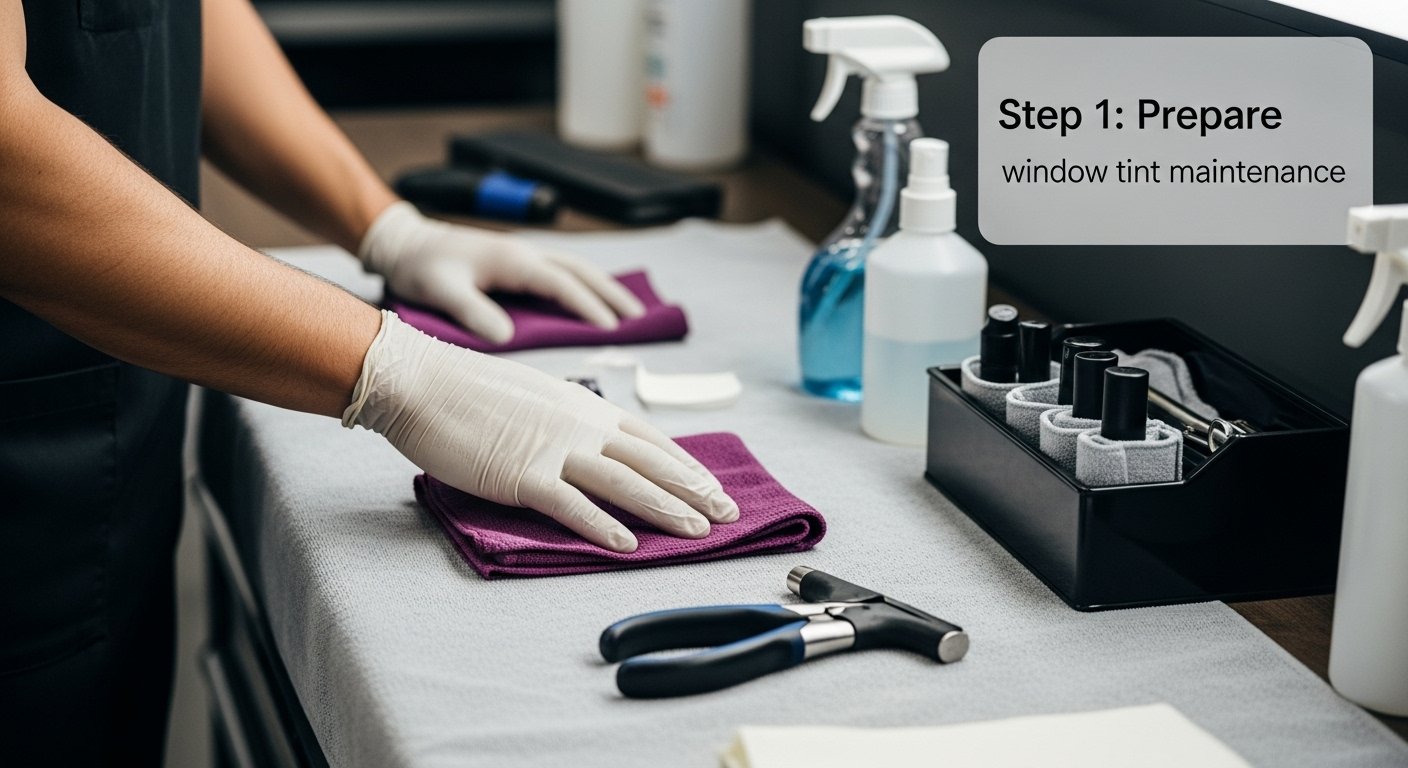
Over 60 percent of British installers now rely on advanced software to perfect paint protection film cuts for modern vehicles. Choosing accuracy from the start is vital because even the smallest error can waste expensive material and ruin a flawless finish. This step-by-step guide demystifies the AEONCUT workflow, revealing how smart digital tools align every cut to vehicle contours with precision while helping British professionals save both time and resources.
Table of Contents
- Stage 1: Set Up AEONCUT Software and Select Vehicle Pattern
- Stage 2: Customise Cut Settings for Optimal Film Usage
- Stage 3: Preview and Arrange Patterns for Accurate Placement
- Stage 4: Execute Precision Cuts Using Calibrated Equipment
- Stage 5: Inspect Results and Adjust for Flawless Application
Quick Summary
| Key Point | Explanation |
|---|---|
| 1. Select the Right Vehicle Pattern | Use the AEONCUT software’s vehicle pattern library for precise film designs tailored to specific manufacturer models and years. |
| 2. Customize Cutting Parameters | Adjust blade pressure and cutting angles based on the film material and vehicle specifications to enhance cutting precision and efficiency. |
| 3. Preview and Arrange Patterns | Use interactive features to fine-tune film placement and ensure optimal coverage, reducing the risk of material waste and installation errors. |
| 4. Perform Calibration Tests | Always execute test cuts on scrap material to validate machine settings and ensure accuracy before cutting the final vehicle template. |
| 5. Conduct Thorough Inspections | Inspect cut film meticulously under proper lighting to catch imperfections and ensure that the final application meets quality standards. |
Stage 1: Set Up AEONCUT Software and Select Vehicle Pattern
Launching your precision PPF cutting workflow begins with selecting the right vehicle pattern in AEONCUT software. The process transforms complex automotive surface mapping into exact protective film designs. Professional installers will appreciate how AI AutoNest features streamline pattern selection across multiple vehicle makes and models.
To start, open the software and navigate to the vehicle pattern library. You will find an extensive database categorised by manufacturer, model, and year. Search using precise parameters like vehicle make model and production year. The intuitive interface allows quick filtering through thousands of pre-configured templates. Click on your specific vehicle configuration and preview the generated pattern before initiating the cutting process.
Once selected, the software generates a precise digital template matching your vehicle’s exact dimensions. This intelligent system calculates optimal material placement minimising waste and ensuring perfect film application. Advanced algorithms predict film stretching and contours with remarkable accuracy.
Professional tip: Always verify your selected pattern against the actual vehicle specifications. Even minor variations in model years can significantly impact film fitting precision.
Stage 2: Customise Cut Settings for Optimal Film Usage
Customising cut settings in AEONCUT software transforms raw film into precise protective layers for vehicles. Professional installers can dramatically improve material efficiency by understanding nuanced cutting parameters. Window film precision techniques require meticulous attention to digital configuration.
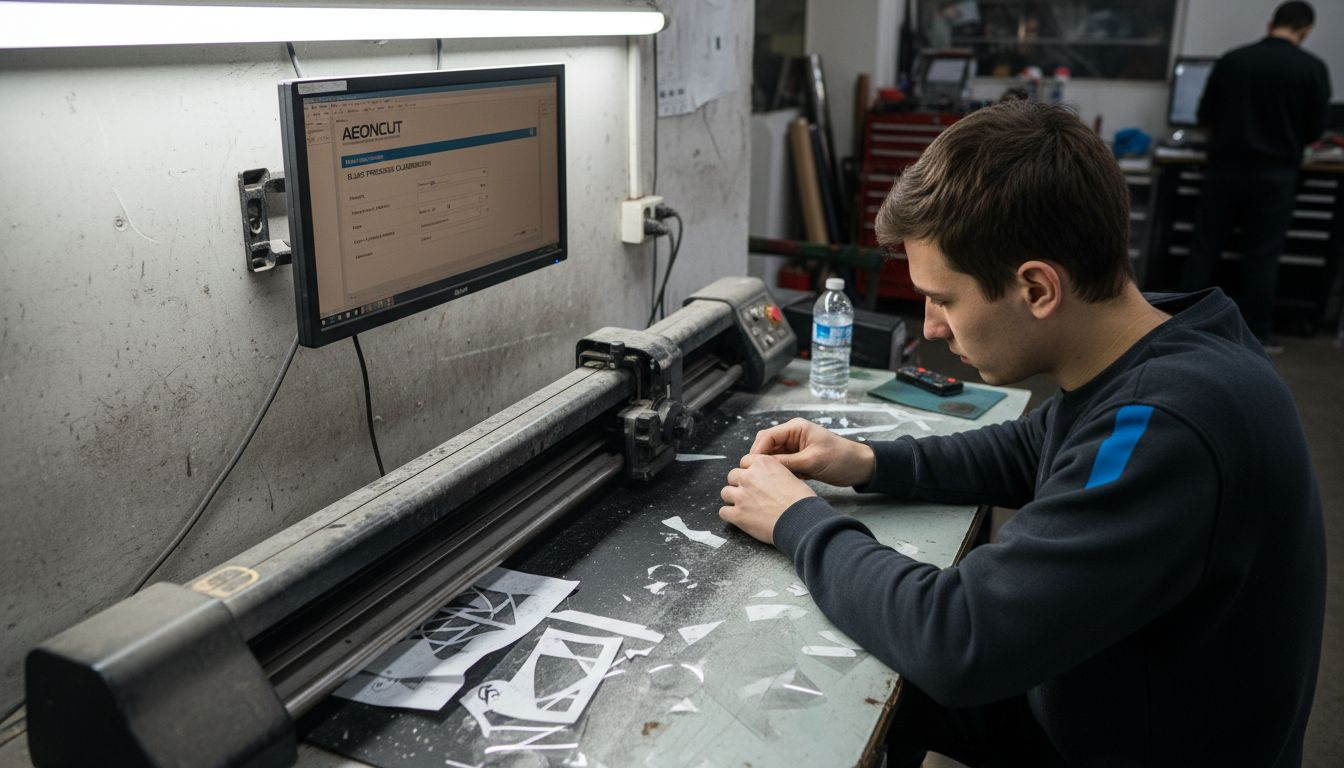
Begin by accessing the software settings panel where you can adjust critical parameters such as blade pressure tension cutting angle and material thickness compensation. Each vehicle model demands unique configurations depending on film type vinyl thickness and surface complexity. The software provides granular controls allowing you to fine tune cutting parameters for different material grades from standard paint protection films to specialised ceramic coated variants.
The key is balancing blade pressure with material characteristics. Too much pressure risks damaging the film while insufficient pressure creates incomplete cuts. AEONCUT calculates recommended settings based on your selected film type providing a baseline that you can incrementally refine through practical experience.
Professional tip: Always perform a small test cut on scrap material before processing your final vehicle template to validate and fine tune your selected cutting parameters.
Stage 3: Preview and Arrange Patterns for Accurate Placement
Previewing and arranging patterns represents a critical stage in achieving precise paint protection film installation. Professional installers must carefully analyse digital templates to ensure optimal coverage and minimal material waste. Custom PPF pattern creation requires meticulous digital manipulation and visual verification.
Utilise the software’s interactive preview interface to rotate scale and position your vehicle pattern precisely. Each template offers adjustable nodes allowing you to fine tune film placement across complex surface geometries. Zoom into challenging areas like door handles wheel arches and panel edges to confirm perfect pattern alignment. The digital workspace provides real time visual feedback enabling you to make incremental adjustments before committing to final cutting.
Pay close attention to overlap zones and potential stretching regions. AEONCUT’s intelligent system suggests optimal pattern positioning minimising material stress and potential installation errors. Advanced visualisation tools display potential strain points helping you modify placement for maximum film integrity and aesthetic performance.
Professional tip: Always enable the software’s grid overlay feature to maintain pixel perfect alignment and ensure symmetrical pattern distribution across your vehicle surface.
Stage 4: Execute Precision Cuts Using Calibrated Equipment
Executing precision cuts represents the pinnacle of professional paint protection film installation. Professional installers must understand the intricate relationship between software configuration and physical cutting equipment. PPF cutting software techniques demand absolute synchronisation between digital templates and mechanical cutting mechanisms.

Prepare your plotter by calibrating blade depth tension and tracking precision according to the software generated specifications. Begin by loading the precisely designed film template into your cutting machine ensuring zero slippage or misalignment. The cutting head must follow digital parameters with micrometre level accuracy translating virtual designs into physical protective film patterns. Monitor cutting speed and pressure continuously adjusting for material variations like vinyl thickness film elasticity and surface complexity.
Advanced AEONCUT software provides real time cutting diagnostics enabling instant adjustments during the fabrication process. Professional grade plotters communicate directly with the software creating a seamless workflow where digital design translates immediately into physical protection. Each cut represents a calculated interaction between machine precision and intelligent software guidance minimising material waste and maximising installation quality.
Professional tip: Always perform a calibration test cut on scrap material before processing your final vehicle template to validate machine settings and confirm absolute cutting accuracy.
Stage 5: Inspect Results and Adjust for Flawless Application
Inspecting cut paint protection film represents the final critical quality control stage where precision meets visual perfection. Professional installers must meticulously evaluate every millimetre of their fabricated pattern to ensure absolute accuracy. Common PPF installation mistakes can be dramatically reduced through rigorous initial inspection protocols.
Begin by performing a comprehensive visual examination of the cut film under bright lighting conditions. Check for any microscopic imperfections such as uneven edge profiles incomplete cuts or potential material stress points. Use a clean illuminated surface to backlight the film allowing you to detect subtle variations in cutting precision. Pay particular attention to intricate areas like panel edges curved surfaces and complex geometric transitions where precision becomes most challenging.
Utilise AEONCUT software diagnostic features to cross reference your physical results against the original digital template. Any deviation greater than 0.2 millimetres warrants immediate recalibration of your cutting equipment. Professional installers understand that marginal adjustments can significantly impact overall film performance and aesthetic quality. Your goal is to achieve a tolerancing level that guarantees seamless film application with zero visible cutting artefacts.
Professional tip: Always maintain a standardised inspection protocol with consistent lighting conditions and a calibrated magnification tool to ensure repeatable quality assessment across all your PPF installations.
The stages below outline the PPF cutting workflow at a glance:
| Stage | Main Action | Objective |
|---|---|---|
| Pattern Selection | Choose exact vehicle template | Achieve perfect fit and coverage |
| Cut Setting Customisation | Adjust film and blade parameters | Preserve film integrity |
| Pattern Preview/Arrange | Visually organise template layout | Minimise waste, avoid misalignment |
| Execute Precision Cuts | Carry out calibrated machine cuts | Translate digital to physical accurately |
| Inspection & Adjustment | Quality check and tweak as needed | Ensure flawless final application |
Below is a summary of key AEONCUT software features and their business impact:
| Software Feature | Function | Business Impact |
|---|---|---|
| AI AutoNest | Automated pattern selection across models | Reduces manual effort and errors |
| Digital Pattern Preview | Visual template verification before cutting | Minimises costly material wastage |
| Cutting Parameter Control | Adjusts blade pressure, angle, and tension | Optimises film usage and cut quality |
| Live Diagnostics | Real-time equipment and software interaction monitoring | Ensures consistent installation |
| Diagnostic Cross-Check | Compares physical cut to digital template | Guarantees quality and accuracy |
Elevate Your PPF Cutting Precision with AEONCUT Software
Mastering precision cutting for paint protection film demands the right tools to overcome challenges like material waste, perfect pattern alignment and cutting accuracy. AEONCUT software addresses these pain points directly by offering a vast library of exact vehicle patterns, AI-driven auto-nesting to reduce waste, and granular control over blade settings. Its intelligent preview and diagnostic features ensure every cut aligns flawlessly with your vehicle’s unique geometry, assisting professional installers and serious enthusiasts alike to achieve seamless, high-quality results.
Explore the power of advanced PPF cutting technology with PPF software – AEONCUT PPF Pre-cut Cutting software designed to simplify pattern selection and optimise cut settings, saving you both time and material costs. See how tailored PPF precut patterns guarantee an exact fit for virtually any vehicle model and paint protection scenario.
Ready to transform your cutting workflow? Discover why AEONCUT is the trusted solution for professional installers aiming for unmatched accuracy and efficiency. Visit aeoncutsw.com today and start your subscription to gain unlimited access to powerful cutting tools, regular updates and expert support. Take control of your PPF installations now and deliver flawless results every time.
Frequently Asked Questions
How can I select the right vehicle pattern in AEONCUT software?
To select the right vehicle pattern, open the AEONCUT software and navigate to the vehicle pattern library. Use specific parameters such as manufacturer, model, and production year to filter through the extensive database of pre-configured templates.
What are the critical parameters to customize for optimal film usage in AEONCUT?
Customising cut settings involves adjusting blade pressure, cutting angle, and material thickness compensation. Begin by accessing the software settings panel and fine-tuning these parameters to suit the specific film type and vehicle model you are working with.
How do I preview and arrange patterns in AEONCUT for accurate film placement?
Utilise AEONCUT’s interactive preview interface to rotate, scale, and position your chosen vehicle pattern. Pay close attention to challenging areas and adjust the template for optimal coverage before committing to the final cutting process.
What steps are needed to execute precision cuts with AEONCUT software?
To execute precision cuts, ensure your cutting equipment is calibrated correctly based on the specifications generated by AEONCUT. Load the film template, monitor cutting speed and pressure, and make adjustments as necessary to maintain accuracy throughout the cutting process.
How can I inspect the cut film to ensure it meets quality standards?
Perform a comprehensive examination of the cut film under bright lighting to identify any imperfections. Use the diagnostic features in AEONCUT to cross-reference the physical cut with the original template and make adjustments as needed to ensure a flawless application.
Recommended
- Home – AEONCUT PPF Pre-cut Cutting software
- Como crear patróns PPF personalizados con Aeoncut: guía paso a paso: software de corte precortado PPF AEONCUT
- PPF Cutting Software: Essential Guide for Installers 2025 – AEONCUT PPF Pre-cut Cutting software
- How to Create Custom PPF Patterns Using Aeoncut: Step-by-Step Guide – AEONCUT PPF Pre-cut Cutting software